Features
Everything CurrenciX does, from the keypad to the receipt scanner.
Conversion
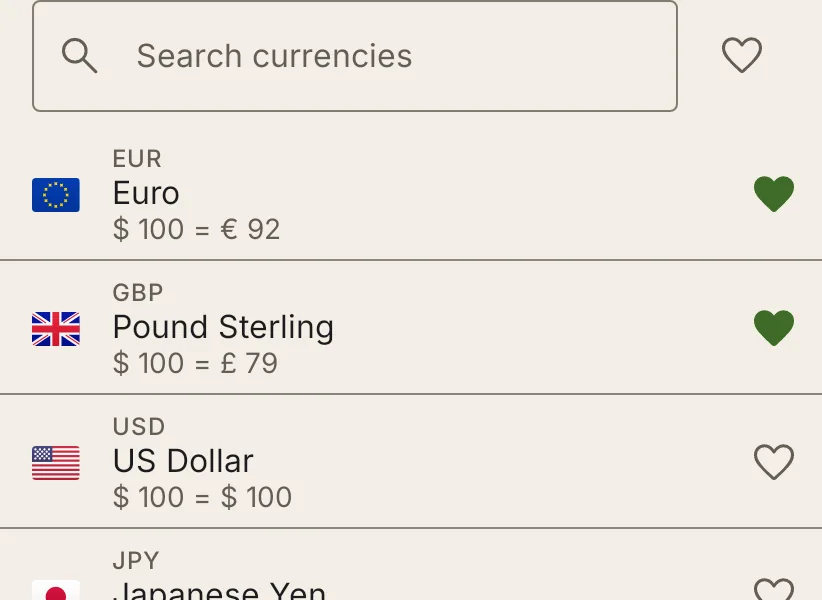
Eight providers
Central banks (the ECB through Frankfurter.app, Bank of Canada, Norges Bank, Bank Rossii, Bank of Israel), the European Commission's InforEuro, and Open Exchangerates or AllRatesToday with your own API key.
A fallback provider
When your main provider is down, rates come from a second one you pick, and the app says so. The next refresh tries the main one again.
Starred currencies
Keep the currencies you use at the top, in your own order. Search finds a currency by code, name or country.
Recent pairs
The pairs you used last sit under the converter, one tap to switch back. Swap either way with the round button. Abroad, the app offers the local currency against yours, once per country.
Copy and paste
Copy any amount, or paste a price you copied in another app: the app finds the amount and its currency.
Convert from any app
Select a price anywhere and pick Convert currency from the text-selection menu: a sheet converts it at once, offline, from the saved rates.
Calculator
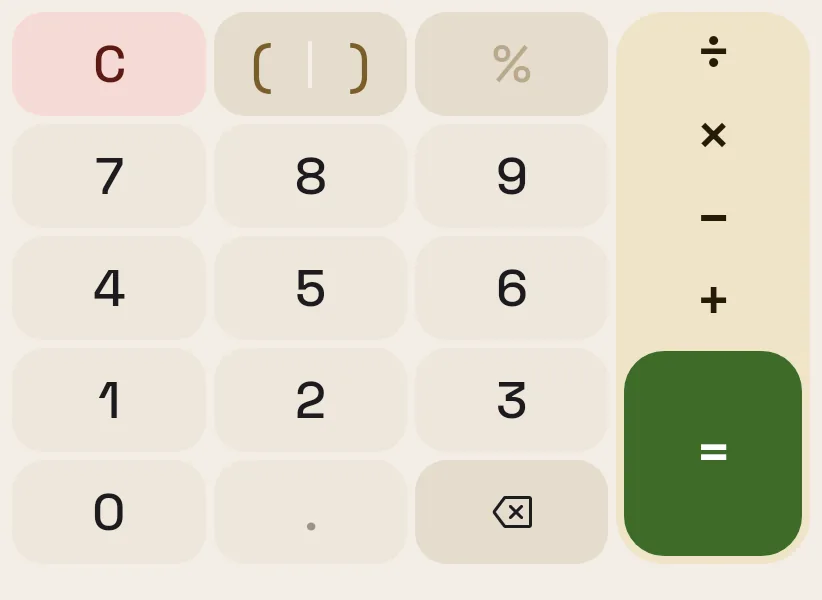
Full arithmetic
+, −, ×, ÷, brackets and percent, worked out before converting; = turns the result into the amount to carry on from.
Expanded keypad
An optional extra row of 00 / 0 / 000 (Settings → Converter). On a tablet or unfolded phone the keypad keeps to one side, in reach of one thumb.
Hardware keyboard
Type digits and operators on a physical keyboard, on tablets and foldables alike.
Fees
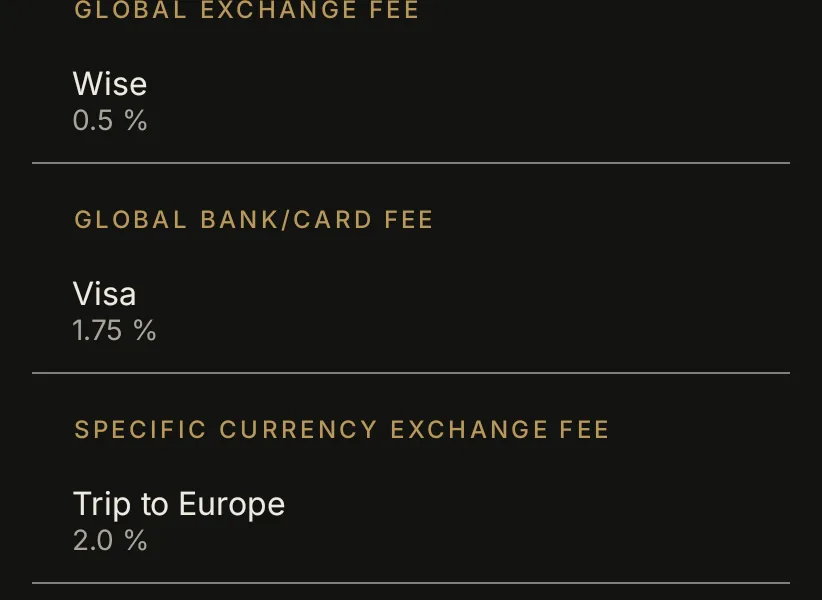
Exchange and bank fees
Add your card's or bureau's fee and see the true cost next to the mid-market result, for every pair or per pair.
Compare cards
With several cards saved, see what each would charge for the amount on screen, cheapest first, and switch with a tap.
Rates, charts and alerts
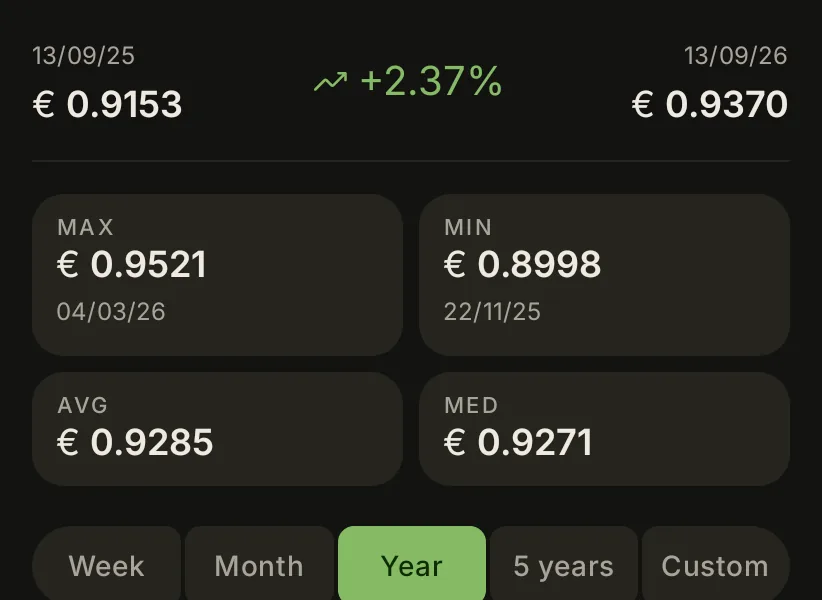
Past dates
Convert at any past date's rates, back to 2010 (how far depends on the provider).
Rate charts
A week, a month, a year, five years or a custom range of up to ten years, with high, low, average, median, the change, and how the latest rate compares with the period's average.
An interactive chart
Scrub to see the rate on any day, then convert at that day's rate or set an alert from it. Share the chart as an image.
Rate alerts
Get a notification when a pair reaches your rate, checked on your phone after each update. Tapping it opens the pair's chart.
Quick conversions
Your pair at round amounts sized to the currency (₩1,000 and up for won), or amounts you set, fees included, to copy or share.
Cart
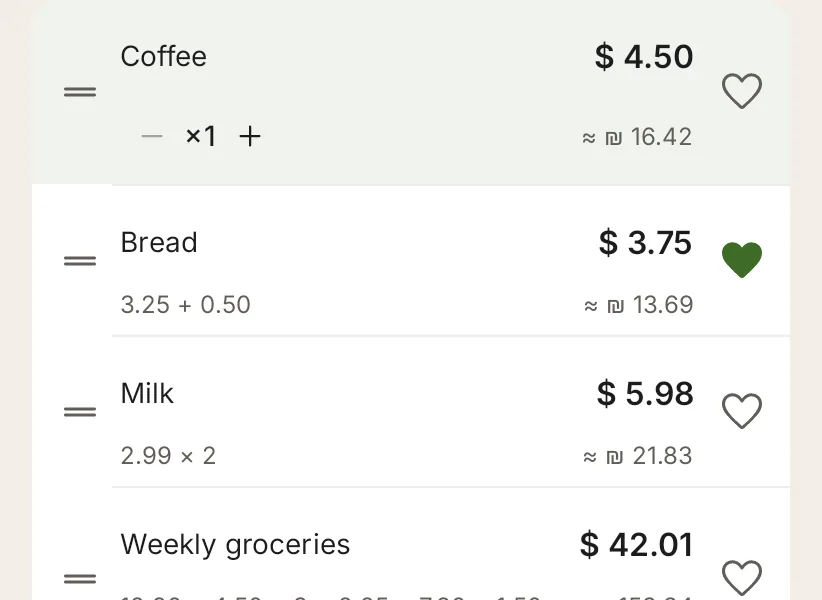
Prices in your currency
A list of prices with quantities, converted into your currency, with tip or tax, a budget and the fees counted in.
Splits and trips
Split the total evenly or by who had what, and group saved carts into trips with a home currency, a budget, a destination and dates: spending per day, and a checklist before you go.
Receipt scanning
Scan a receipt to add its items, read on your phone; nothing is uploaded. Each language is downloaded only after you agree, and a trip's can be kept just until it ends.
Share and export
Share a cart as text, an image, CSV or PDF, or save it to a file to import again later.
Look and feel
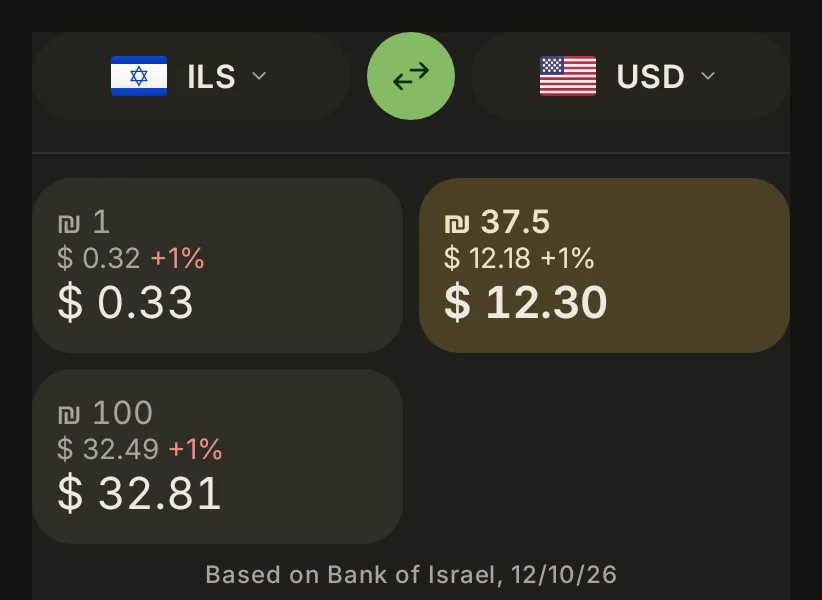
Material 3
Colours from your wallpaper (on by default), or the app's own paper-and-ink palette.
Light, dark and pure black
Pick one or follow the system, with an OLED-friendly black.
Tablets and foldables
Two panes on wide screens: the converter beside the chart or the cart.
32 languages
Translated into 31 languages besides English. Hebrew, Arabic and Farsi lay out right to left, while numbers stay left to right.
Widget, tile and shortcuts
A home-screen widget with its own pair and a trend line, a Quick Settings tile, and launcher shortcuts to your recent pairs.
Accessibility
TalkBack labels and spoken summaries, error messages in words, 48 dp touch targets, WCAG AA contrast, and layouts that hold at twice the font size.
Privacy and security
No tracking
No ads, no analytics, no account, no crash-reporting service. Nothing about you leaves your phone.
App lock
Optionally lock the app behind your fingerprint or screen lock, and keep it out of screenshots and Recents.
Private requests
Optionally make every rate request look the same as everyone else's.
Your data stays local
Settings, carts and alerts live in the app's private storage. Back them up to a file you choose, encrypted with a password if you like. API keys are sealed with a key the phone's Keystore holds, and the app only talks to the rate providers.
Few permissions
Internet and network state for rates, biometrics for the optional lock, and notifications only once you set a rate alert. No location, contacts, storage, camera or microphone.